ACTION
Ball to Wall
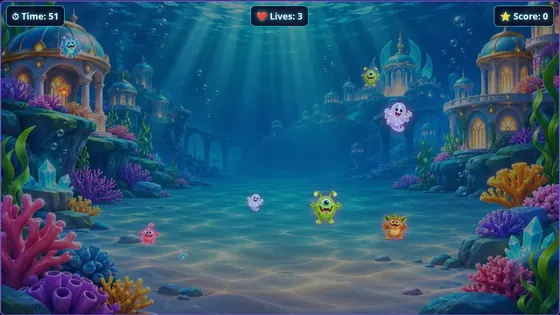
Monsters charge across the wall and players throw soft balls to knock them out before the time runs out.
About Ball to WallREVEAL · INTERACTABUILD TEMPLATE
A magical mist covers the wall. Every hit brushes some of it away, until the picture underneath is revealed. Choose any picture you like: a photo of your venue, a party theme or the next school topic.
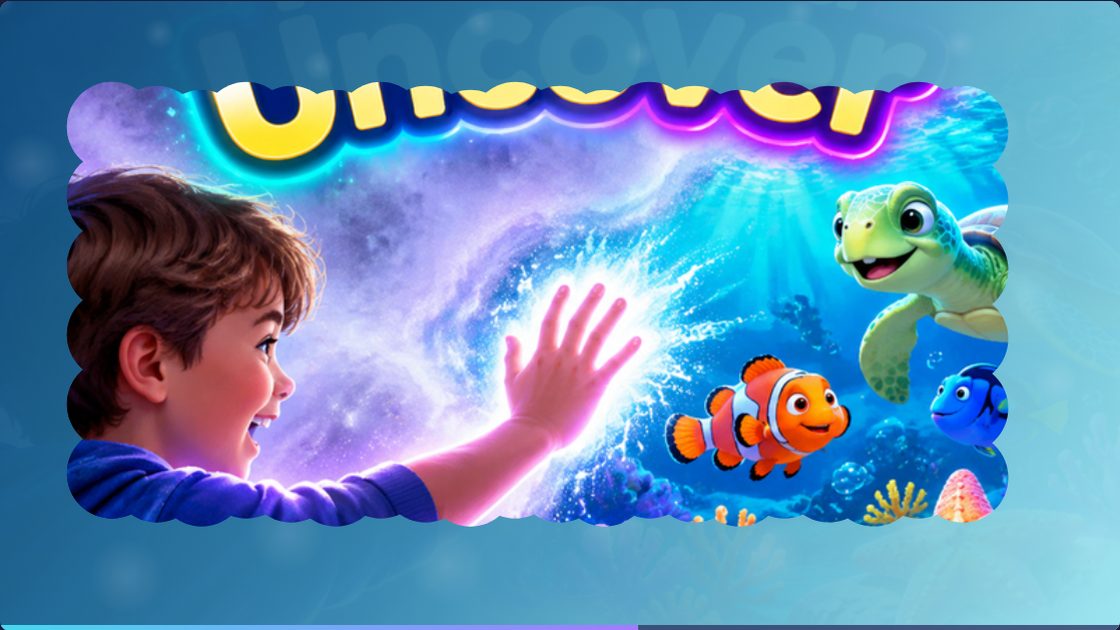
Classrooms (reveal the next topic), parties (reveal the birthday child's photo), events and product launches. See how Interactabuild suits schools and nurseries, venues, parties and events and sensory rooms.
A Windows 11 or Ubuntu computer, a projector and an Orbbec Astra 2 depth camera, plus soft balls in red, green or blue. Without a camera, Touch and Uncover also works with a mouse or a touchscreen. See the full hardware requirements or read the setup guide.
GOOD TO KNOW
Yes. Any picture works, and it stays on your computer.
No: it is a reveal activity rather than a race, which suits younger children and calm spaces.
Yes. Brush the mist away with a mouse or a touchscreen, or with balls and the camera.
Monsters charge across the wall and players throw soft balls to knock them out before the time runs out.
About Ball to Wall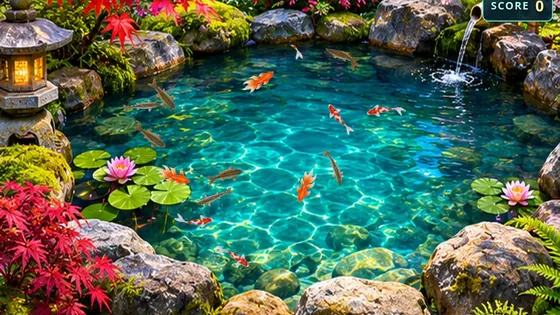

Five underwater scenes, from a sunlit coral reef to the deep ocean, with ten lifelike sea creatures to discover.
About Ocean ExplorerInteractabuild comes with every template, ready to customise. Check what equipment you need, then get the download.