ACTION
Ball to Wall
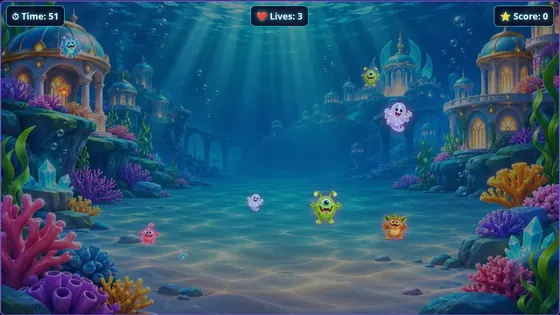
Monsters charge across the wall and players throw soft balls to knock them out before the time runs out.
About Ball to WallINTERACTIVE WALL GAMES
Interactive wall games turn a projected picture into something you can play. A projector shows the game on a wall, a depth camera watches the wall, and when a ball hits the picture, the game reacts: a monster is knocked out, a target falls, paint splats or a fish is caught.
Interactabuild gives you seven ready-made wall game templates that run on your own Windows or Ubuntu computer. You change the look and the rules in a simple editor, then play on any wall your projector can light.
There are three parts. The projector shows the game. The Orbbec Astra 2 camera is pointed at the same wall and sees soft balls hitting it. Interactabuild, running on your computer, turns each hit into a position on the game, so the right monster, target or fish reacts.
You line the camera up with the projected picture once, by marking its four corners. After that, every hit lands where the player aimed.
Most interactive wall games are played by throwing soft balls. Interactabuild recognises balls by their colour (red, green or blue), which also lets teams play against each other: red balls score for one team, blue for the other. Soft foam balls are safe for children and gentle on the wall and the projector.
A flat, smooth, light-coloured matt wall gives the clearest picture and the most accurate hits. Avoid glossy paint, which reflects the projector, and walls with radiators, sockets or doors in the play area. A dimmed room makes the picture brighter and the colours richer.
Monsters charge across the wall and players throw soft balls to knock them out before the time runs out.
About Ball to Wall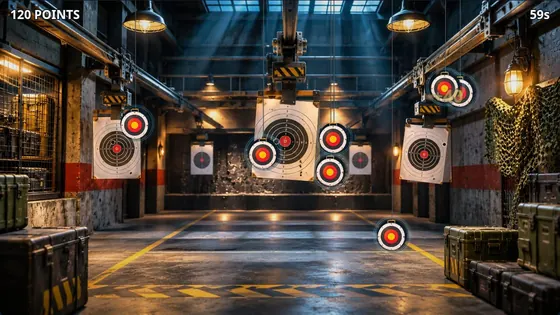
Three games in one: Target practice, Drone invasion and Duelling tree, across five detailed ranges from an industrial warehouse to a neon arcade.
About Ultimate Shooting Range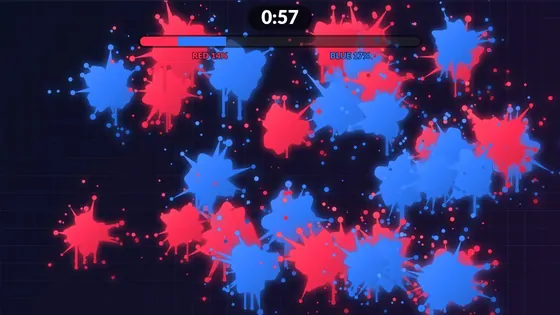
Every hit leaves a splat of paint in your team's colour.
About Paint Splat Wall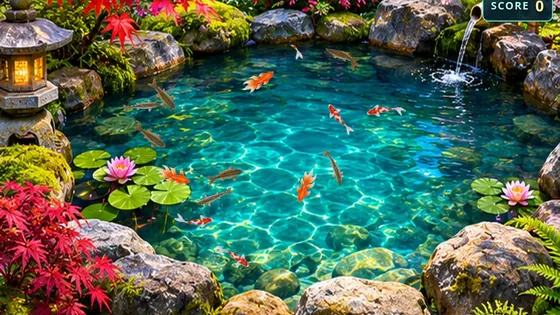
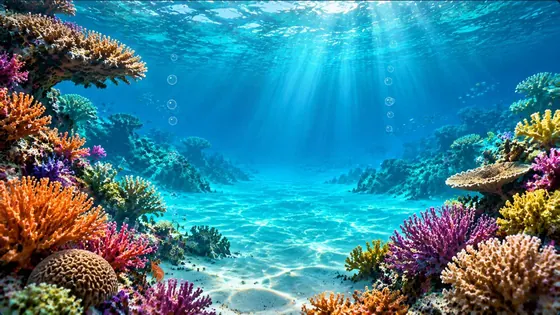
Five underwater scenes, from a sunlit coral reef to the deep ocean, with ten lifelike sea creatures to discover.
About Ocean Explorer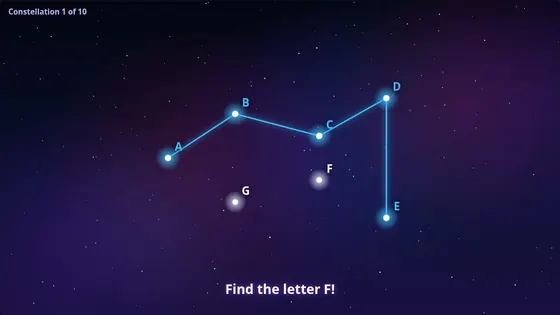
Hit the stars in the right order to draw a constellation, and watch it come alive.
About Constellation Connect
GOOD TO KNOW
You need a computer, a projector and an Orbbec Astra 2 depth camera. There is no special box or subscription hardware: Interactabuild runs on your own computer.
Yes. Every template opens in an editor where you change the pictures, characters, colours, rules and difficulty, then save your own versions. No coding is needed.
As big as your projector can light clearly. The camera needs to see the whole projected picture, so it is placed far enough back to take it all in.
Yes. Every template works with a mouse or a touchscreen, and you can play simplified versions of four of them in your browser on this website.
Play simplified versions of four templates in your browser, check what equipment you need, then get Interactabuild.