ACTION
Ball to Wall
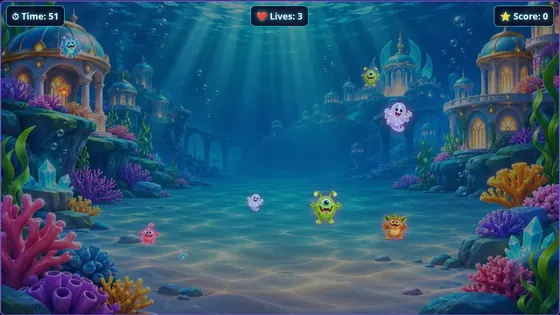
Monsters charge across the wall and players throw soft balls to knock them out before the time runs out.
About Ball to WallDIY INTERACTIVE PROJECTION
You do not need a sealed, all-in-one box to create an interactive wall. A computer, a projector and a depth camera can do the same job, and Interactabuild is the software that brings them together.
Building your own system means you choose the equipment, use what you already have, and can upgrade one part at a time.
The projector shows the game on the wall. The camera looks at the same wall and sees balls hit it. Interactabuild runs on the computer, reads the camera and turns each hit into a position in the game. A one-time calibration, marking the four corners of the projected picture, makes sure a hit on the wall lands on the right spot in the game.
All-in-one interactive projection systems package a projector, sensor and computer together. Interactabuild takes the other approach: it is software for equipment you choose. That makes it easy to start with what you have and to try every template with a mouse before you buy the camera.
Monsters charge across the wall and players throw soft balls to knock them out before the time runs out.
About Ball to Wall
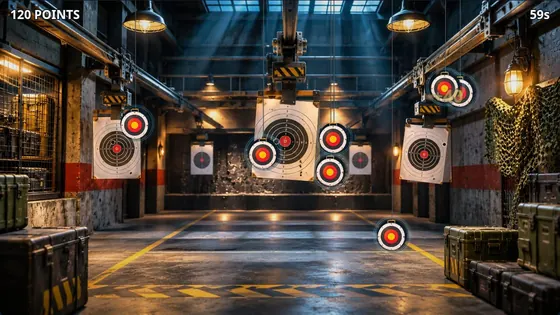
Three games in one: Target practice, Drone invasion and Duelling tree, across five detailed ranges from an industrial warehouse to a neon arcade.
About Ultimate Shooting Range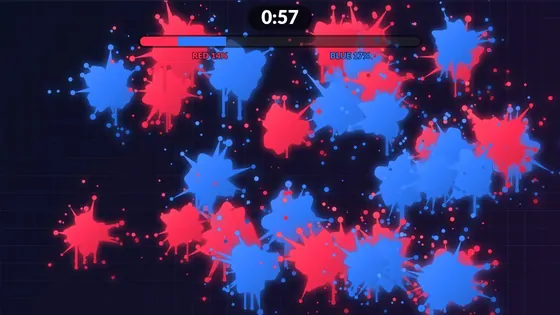
Every hit leaves a splat of paint in your team's colour.
About Paint Splat WallGOOD TO KNOW
Interactabuild is built for the Orbbec Astra 2 depth camera. Other cameras are not supported.
No. The games are ready-made templates you customise in an editor, and the camera line-up is done by marking four corners.
Yes. Every template works with a mouse or a touchscreen, so you can build your games first and add the camera later.
Not at the moment. Interactabuild runs on Windows 11 and Ubuntu Linux.
Play simplified versions of four templates in your browser, check what equipment you need, then get Interactabuild.