SETUP GUIDE
How to set up interactive wall games
Setting up Interactabuild takes four steps. Once it is lined up, it starts by itself whenever you sign in to the computer.
Download and install
Run the installer. Interactabuild adds itself to your Start menu and desktop, and opens in its own window. On Ubuntu, install the .deb file with App Center or apt.
Connect the projector and camera
Plug in the projector and set it up as a second screen. Plug the Orbbec Astra 2 camera into a USB 3 port and point it at the wall, so it sees the whole projected picture.
Line it up once
Mark the four corners of the projected picture in the camera settings. Interactabuild remembers them, so you only do this again if the projector or camera moves.
Pick a template and play
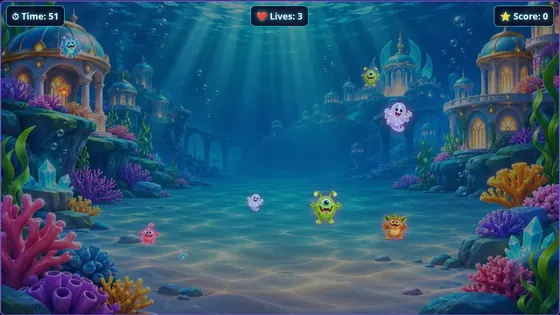
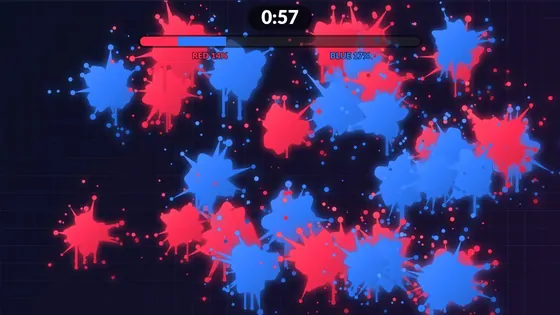
Choose a template, make it yours in the editor and press play. The game fills the projector while you control it from your screen.
Installing on Windows
Open the downloaded file. If Windows says Windows protected your PC, click More info, then Run anyway. Windows shows this for new programs it has not seen many times before. Only download Interactabuild from this website.
Installing on Ubuntu
Open the downloaded .deb file with App Center, or in a terminal run sudo apt install ./interactabuild_<version>_amd64.deb. Interactabuild appears in your applications and also starts by itself when you log in.
Getting accurate hits
- Make sure the camera sees all four corners of the picture, with a little space around them.
- A flat, tight, matt surface gives the most accurate hits: loose fabric moves and creases.
- Run the four-corner line-up again whenever the projector or camera has moved.
- Use red, green or blue soft balls.
GOOD TO KNOW
Questions? Answers.
Do I have to line it up every time?
No. Interactabuild remembers the four corners. Do it again only if the projector or camera moves.
Can I set up the games before the camera arrives?
Yes. Every template works with a mouse or touchscreen, so you can build and test your games first.
Does Interactabuild start automatically?
Yes. After installation it starts by itself when you sign in to the computer.
Where do my saved games go?
They are saved on your own computer, in your user folder, and are kept if you uninstall.
Ready to try it?
Play simplified versions of four templates in your browser, check what equipment you need, then get Interactabuild.