LEARNING
Constellation Connect
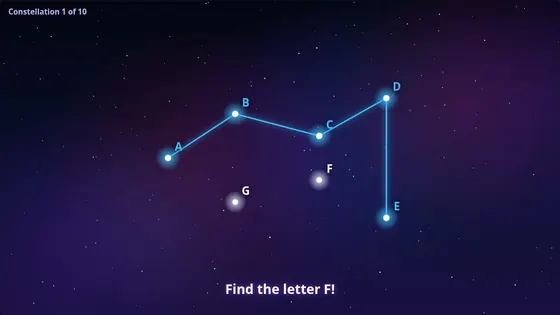
Hit the stars in the right order to draw a constellation, and watch it come alive.
About Constellation ConnectTEAMS · INTERACTABUILD TEMPLATE
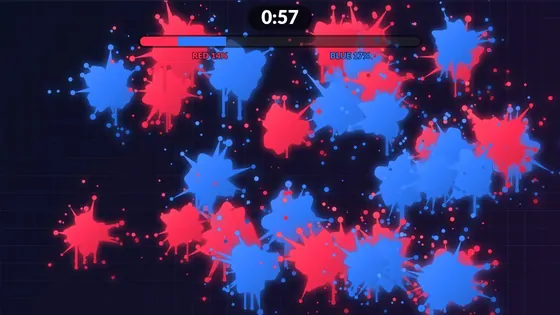
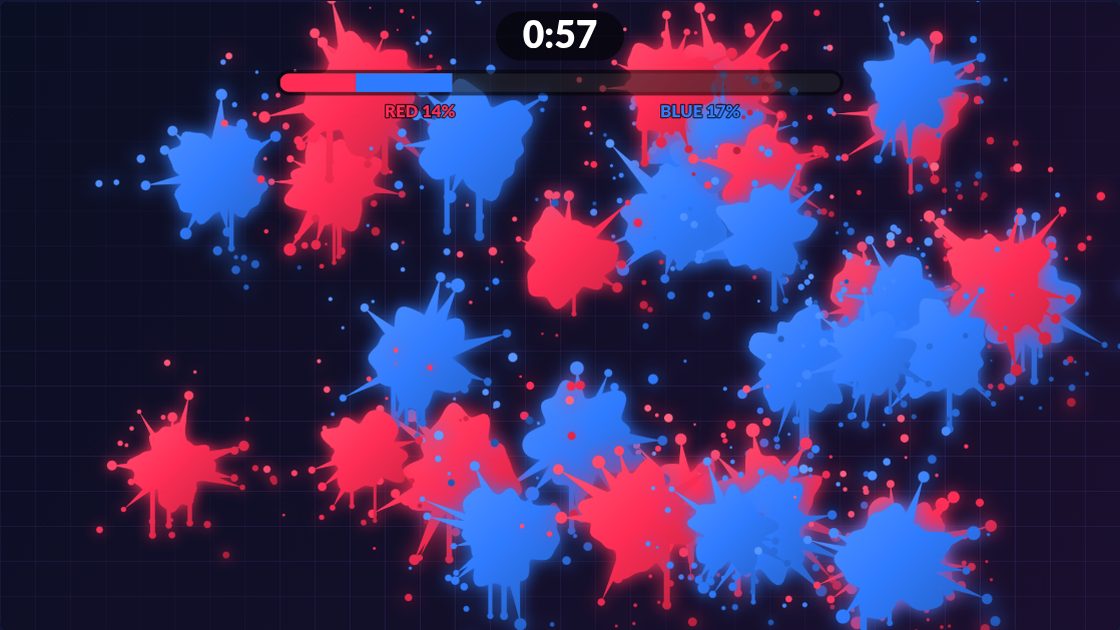
Every hit leaves a splat of paint in your team's colour. Red against blue, or three teams at once: the team covering the most wall when the timer ends wins. Or switch to free paint and simply make a mess.
PE lessons, parties, holiday clubs and busy venues where groups want a quick team game. See how Interactabuild suits schools and nurseries, soft play centres and venues, parties and events.
A Windows 11 or Ubuntu computer, a projector and an Orbbec Astra 2 depth camera, plus soft balls in red, green or blue. Without a camera, Paint Splat Wall also works with a mouse or a touchscreen. See the full hardware requirements or read the setup guide.
GOOD TO KNOW
Each team throws its own ball colour: red, blue or green. The camera recognises the colour of every hit.
You choose: 8, 12, 20 or 30 seconds, or Free Paint with no timer at all.
Yes. The attract screen invites new players while nobody is playing.
Hit the stars in the right order to draw a constellation, and watch it come alive.
About Constellation Connect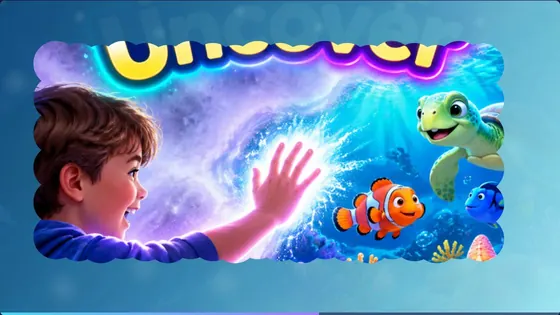
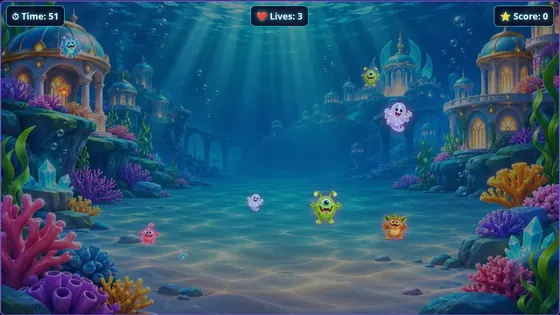
Monsters charge across the wall and players throw soft balls to knock them out before the time runs out.
About Ball to WallInteractabuild comes with every template, ready to customise. Check what equipment you need, then get the download.